Swelt app
SWELT · APP · WORK IN PROGRESS · 23 NOVEMBER 2026
The Swelt app as it stands today: Coach, Today and Data, plus the heart logs and your profile. 19 screens, captured from the current build with sample readings. Open a screen to see its whole scroll.
WORK IN PROGRESS
This is the app in development, not a released version. Screens, wording and features can still change. Every reading and name shown is sample data, not a measurement.
19
screens
3
tabs: Coach, Today, Data
5
areas
Coach
01 · 3 SCREENS
The first tab. Ask about your own readings in plain words, and open the evidence behind a sentence.
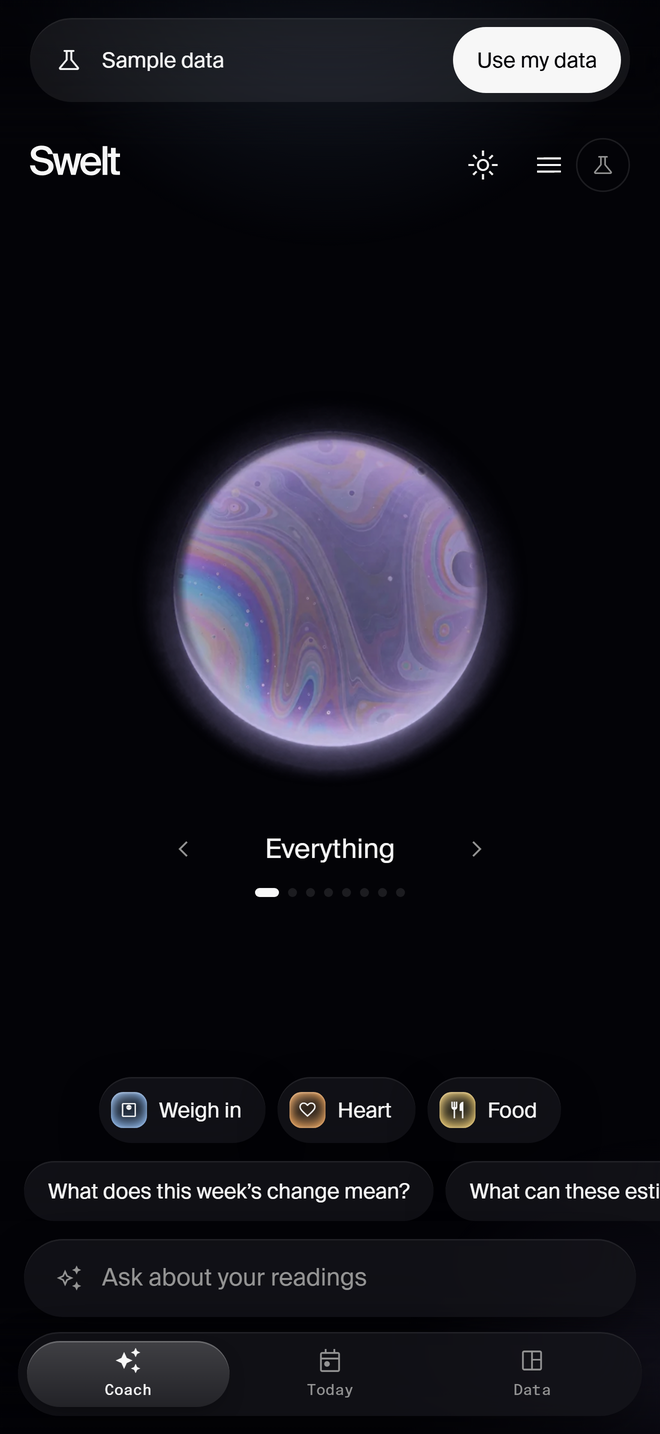
COACH
The orb switches topic with ‹ ›. Shortcuts to weigh in, heart and food, and a field to ask about your readings.
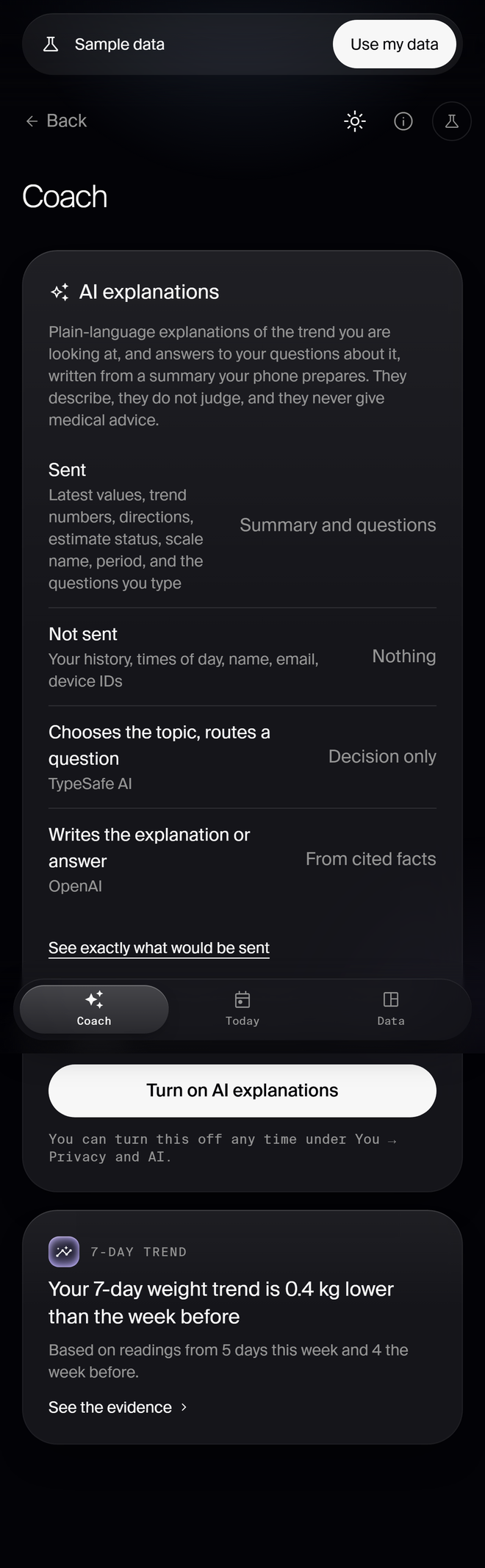
AI EXPLANATIONS
What is sent to write an explanation, what is never sent, and who writes the answer.
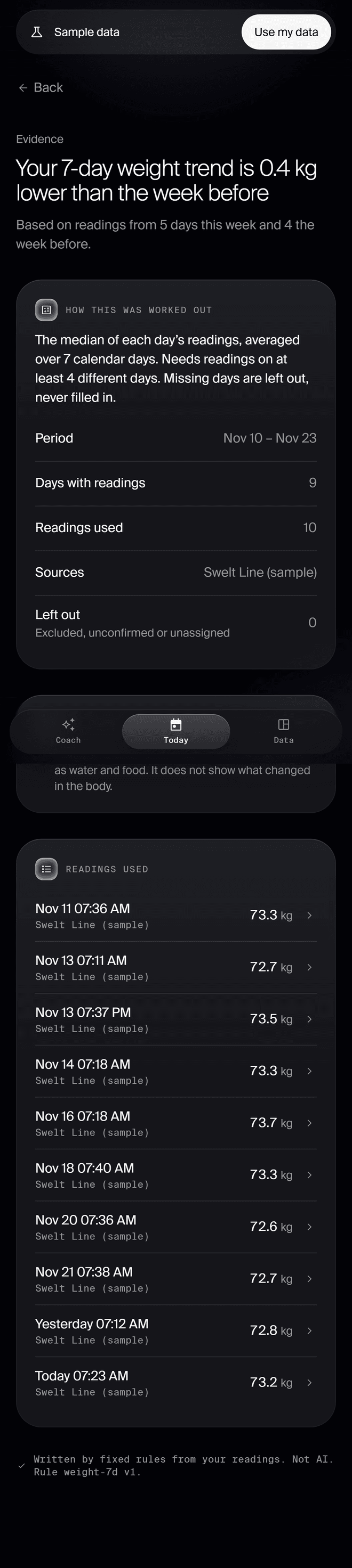
EVIDENCE
Opened from See the evidence: the period, days and readings behind a sentence, and what it can't tell you.
Today
02 · 2 SCREENS
What changed since you last looked, and how to take the next reading.
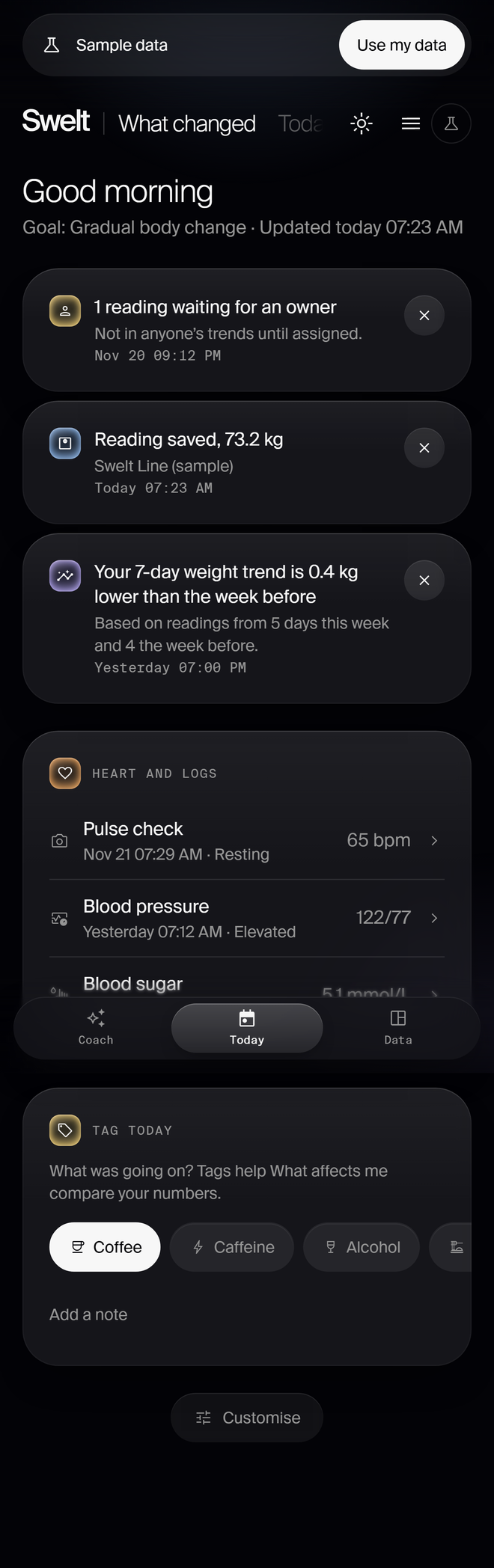
TODAY
The saved reading, the trend sentence, heart and logs, and today's tags.
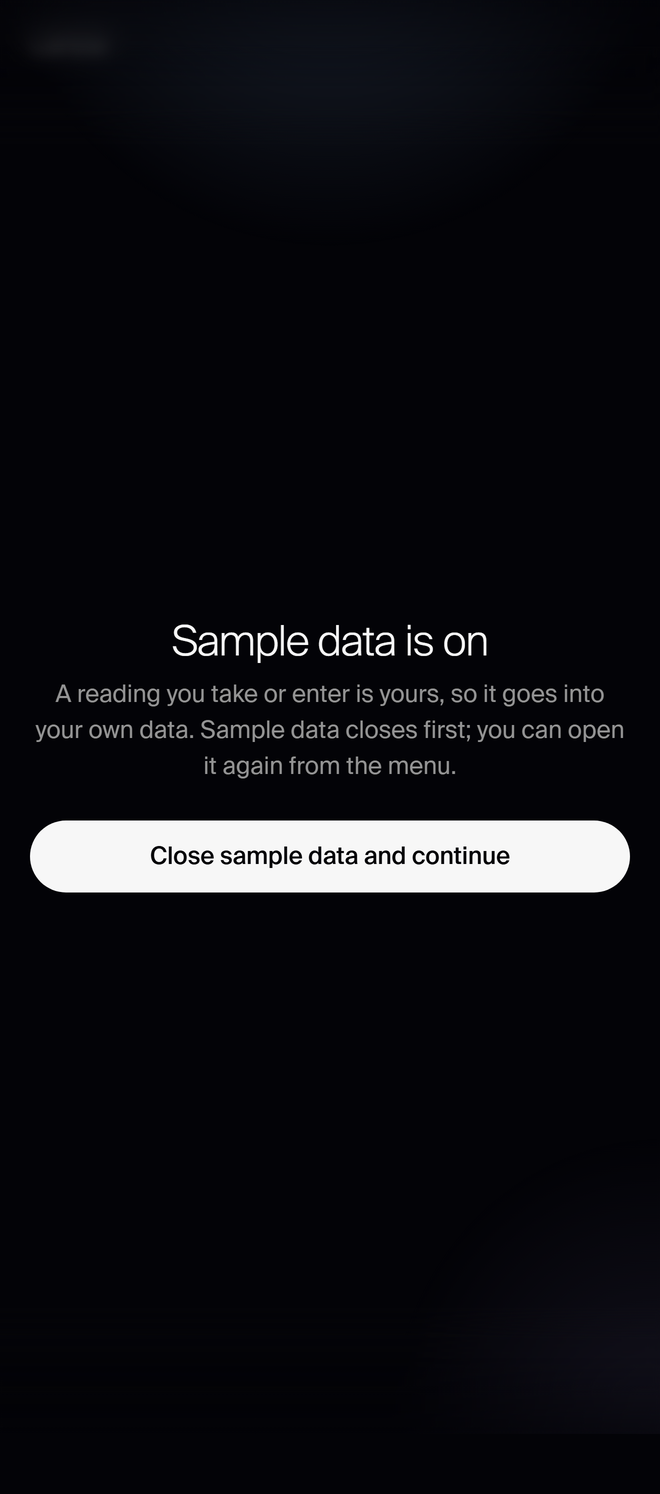
BEFORE YOU STEP ON
Four steps before a reading, with a switch for weight only.
Data
03 · 7 SCREENS
Every reading in one place: body, food, sleep and heart, then how each one moves over time.
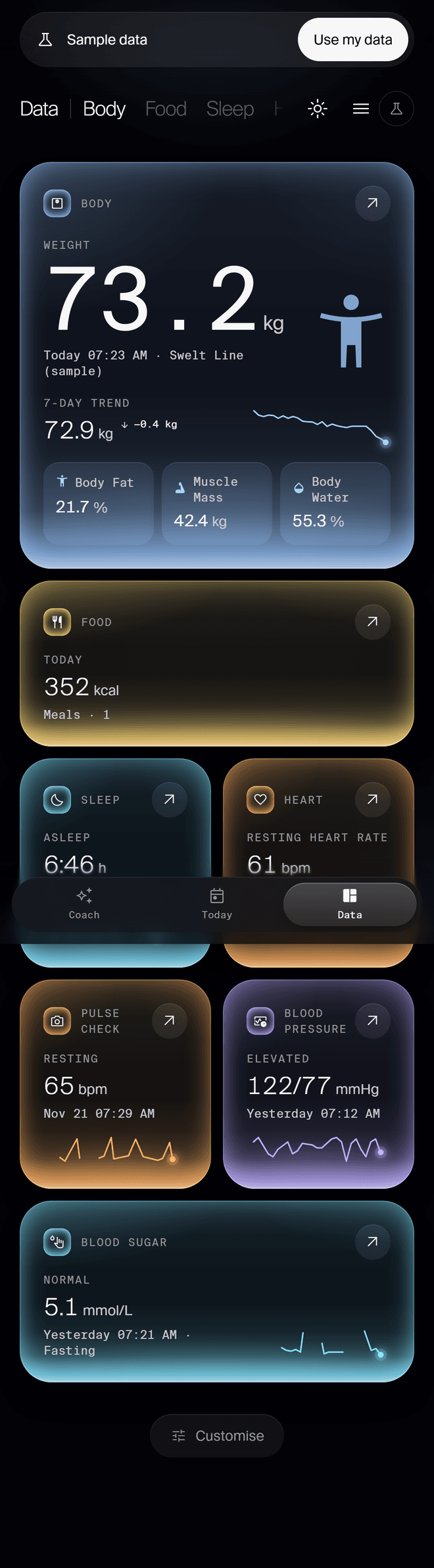
DATA
The Data tab: body, food, sleep and heart cards.

BODY
Latest weight and its trend, then a card for each reading.
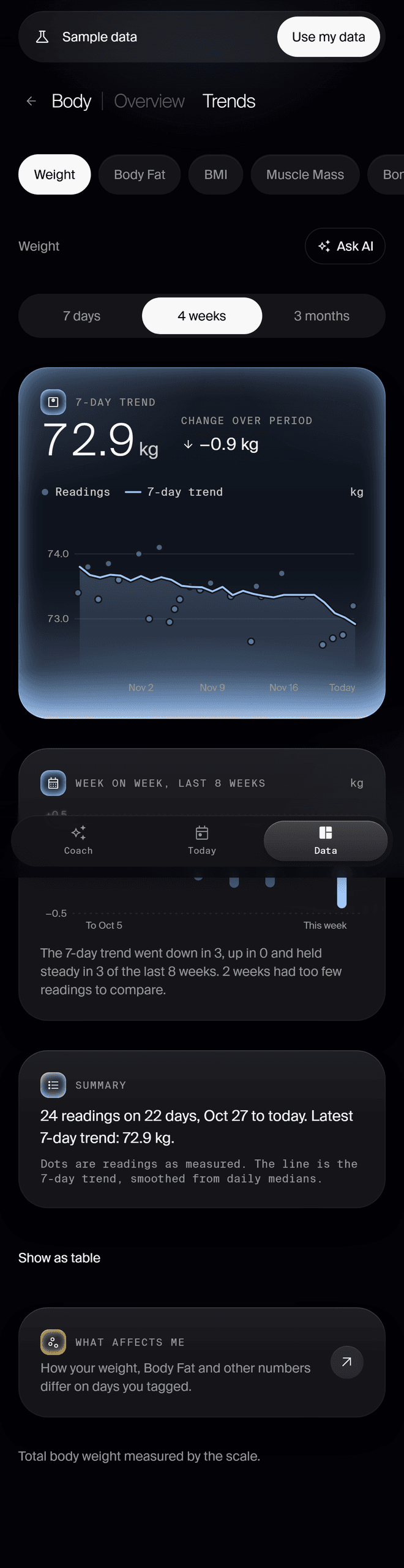
TRENDS
Each reading over 7 days, 4 weeks or 3 months, and week on week.
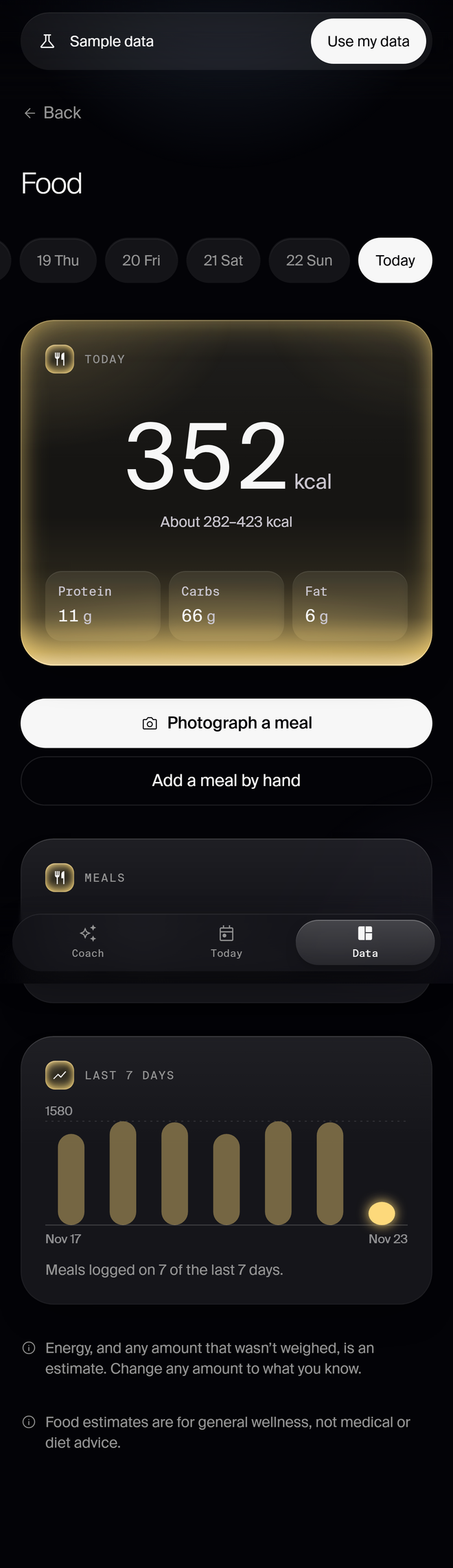
FOOD
A day of meals, logged by photo or by hand.
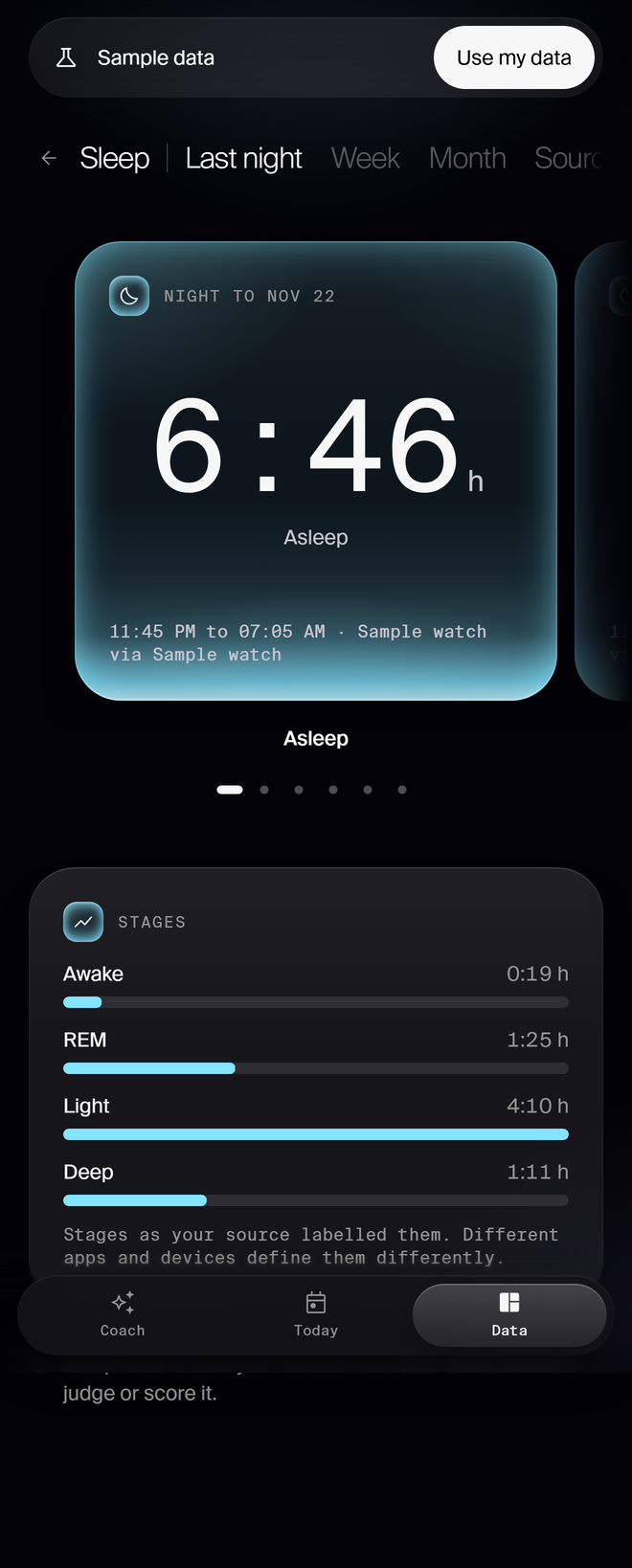
SLEEP
Sleep from Apple Health or Health Connect. Empty until a source is connected.
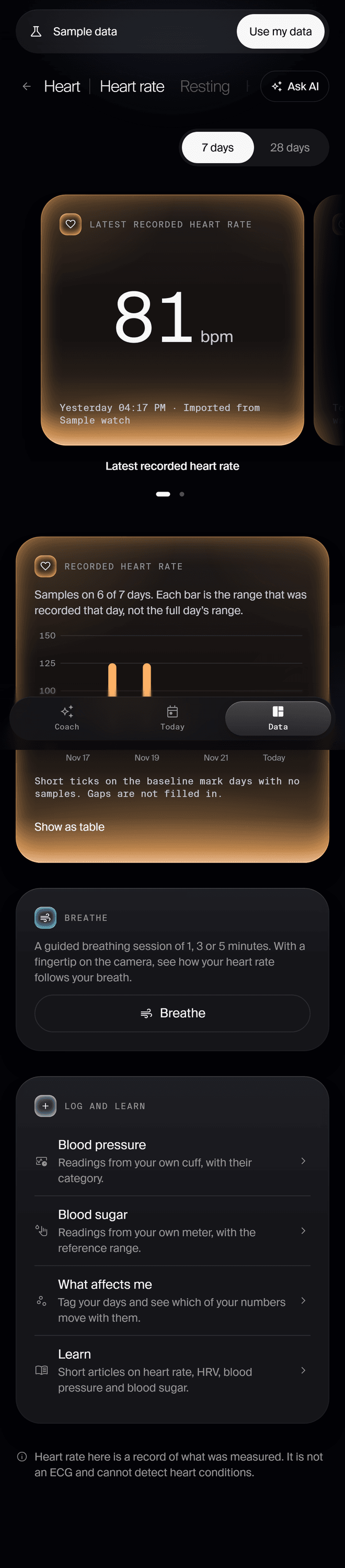
HEART
Heart rate over 7 or 28 days, with where each reading came from.

WHAT AFFECTS ME
Tag days with coffee, alcohol or training. Swelt compares your own numbers on tagged days; it describes, it doesn't show cause.
Heart and logs
04 · 3 SCREENS
Checks and readings added by hand, each with its reference shown beside it.
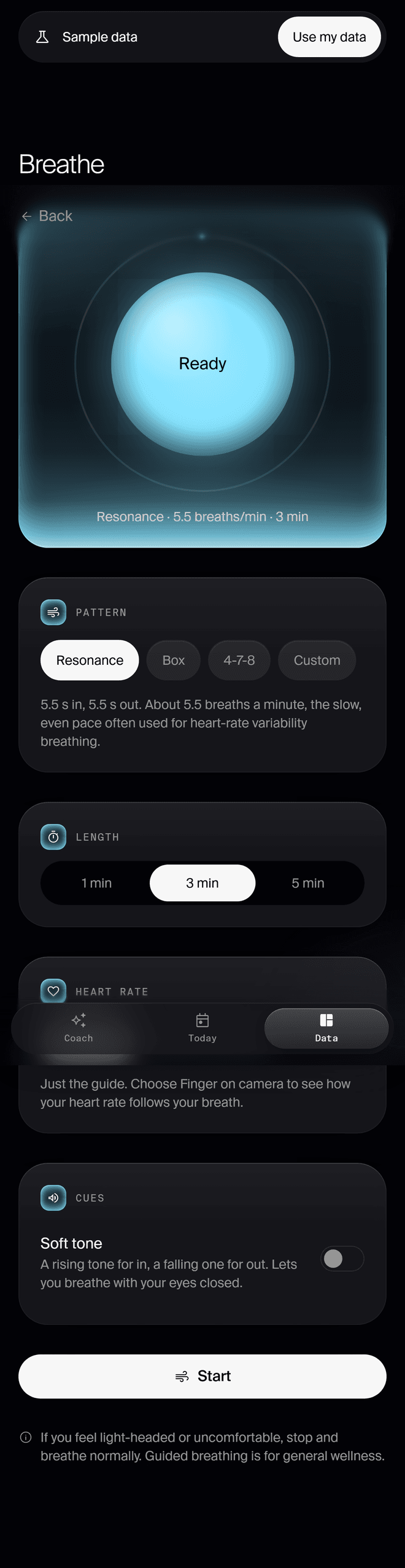
BREATHE
A paced breathing session: choose the pattern and the length.

BLOOD PRESSURE
Readings logged by hand, with the reference categories.

BLOOD SUGAR
Readings logged by hand, with the reference ranges.
You
05 · 4 SCREENS
The profile, the people who share the scale, connections and privacy.
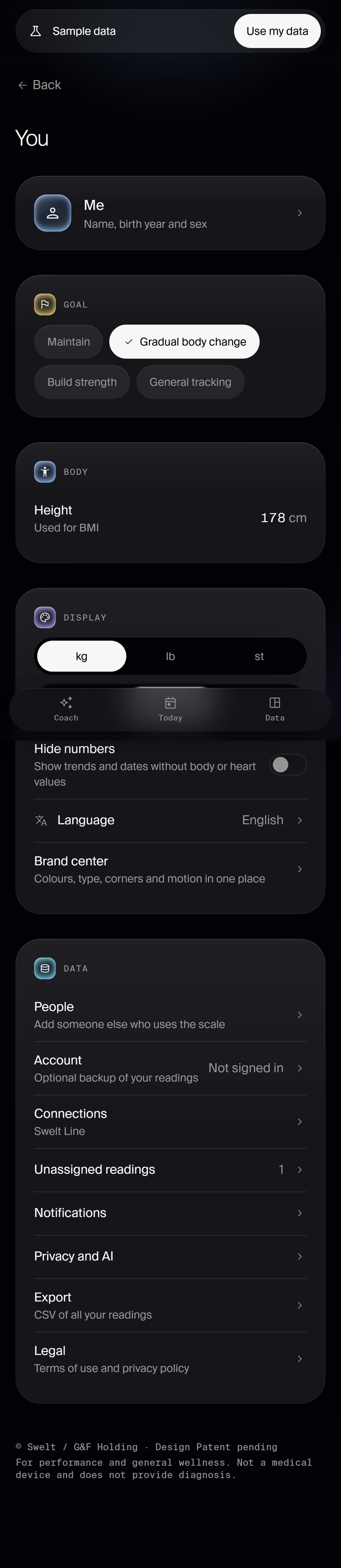
YOU
Profile, goal, height, units and display.
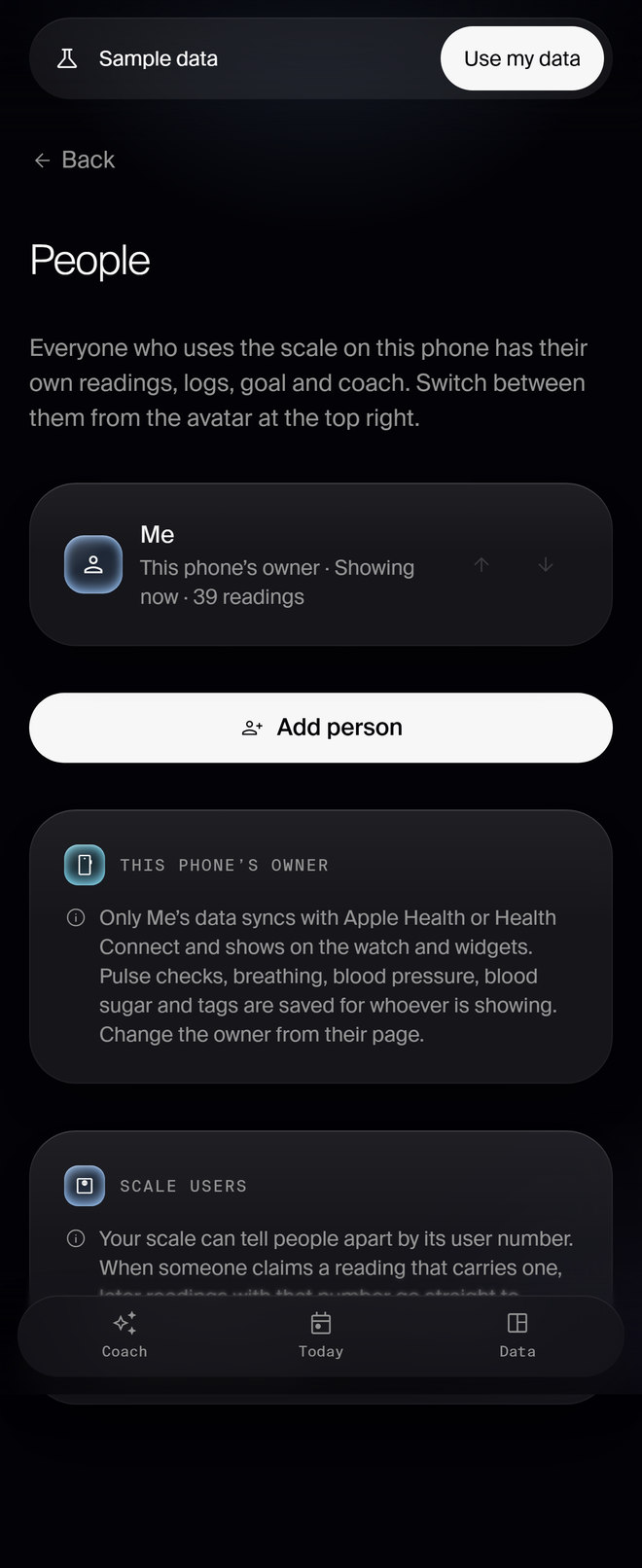
PEOPLE
Everyone who uses the scale on this phone, each with their own readings.
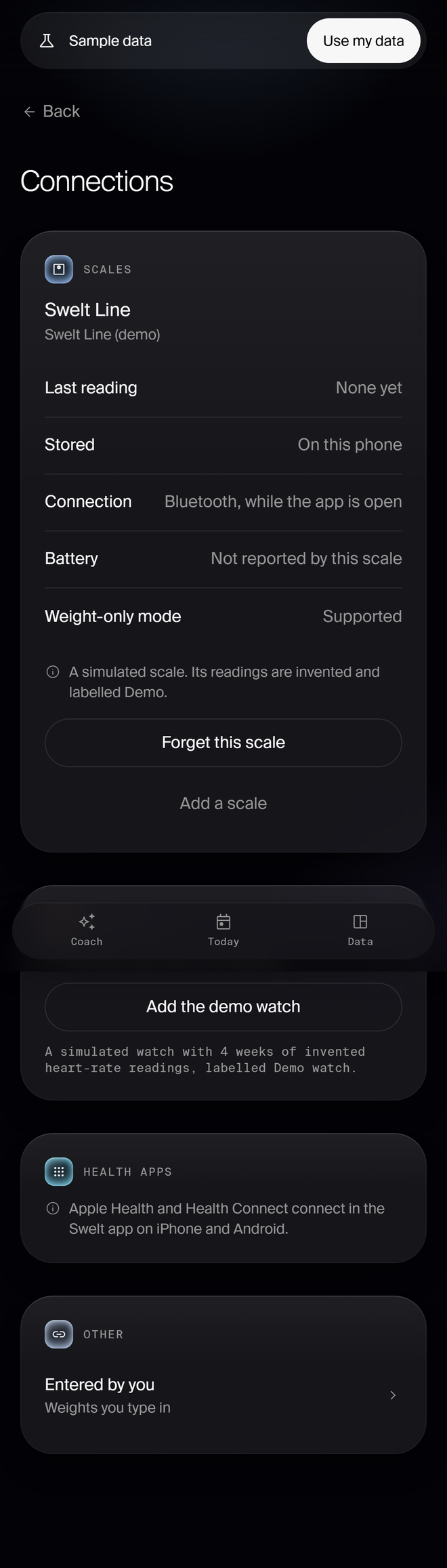
CONNECTIONS
The scale and other sources: last reading, storage and connection.
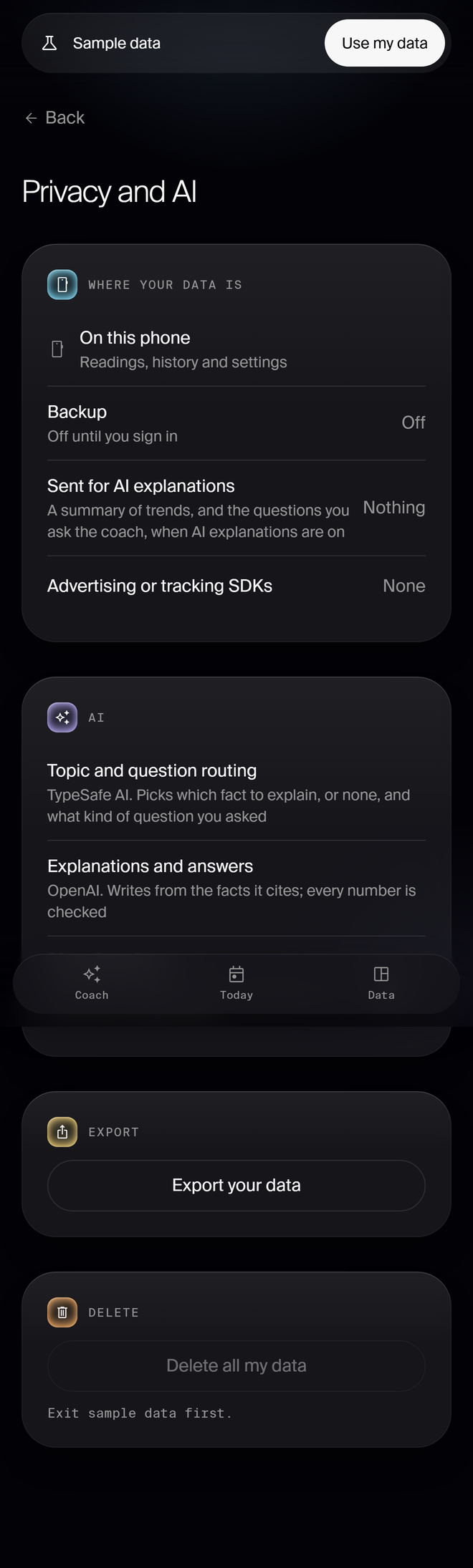
PRIVACY AND AI
Where the data lives, backup, and what is sent for AI explanations.
Still open
WORK IN PROGRESS
- Screens come from the development build and will be re-captured as the app changes.
- The scale's own screen is designed to match this app: see Scale screen.